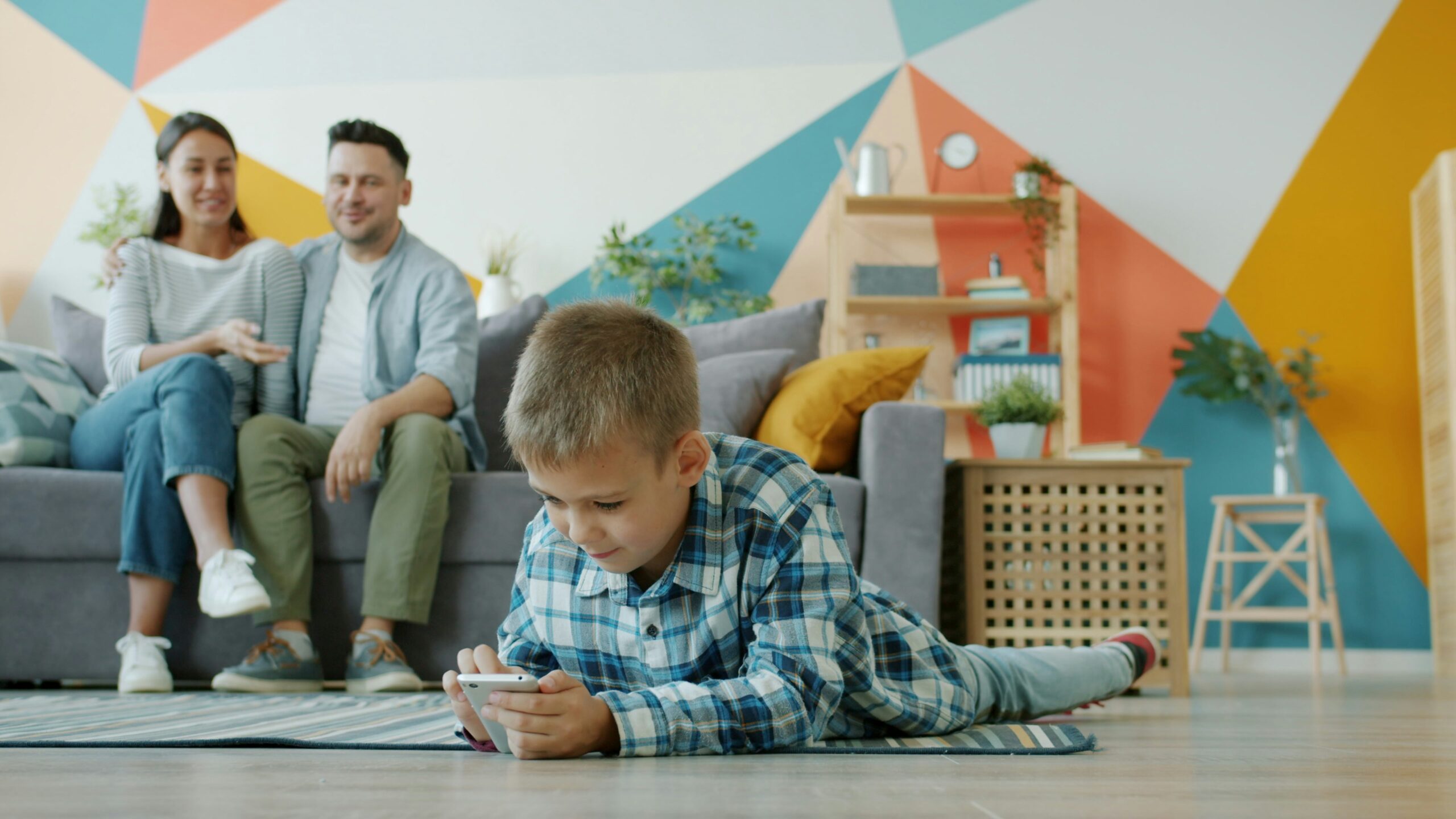
Managing screen time for kids can feel challenging, especially when phones, tablets, televisions, and games are part of everyday life. Screens can help children learn, create, and stay connected, but too much recreational screen use can crowd out sleep, movement, reading, outdoor play, and face-to-face time.
The goal is not to eliminate every screen. It is to help children develop healthy habits, enjoy age-appropriate content, and balance digital activities with the rest of life. A clear family plan, regular conversations, and adult supervision can make screen time easier to manage.
On This Page
- Understanding Healthy Screen Time
- Screen Time Guidelines by Age
- Creating Family Screen Rules
- Choosing Safe Content and Parental Controls
- Handling Screen Time Arguments
- Building a Balanced Daily Routine
Understanding Screen Time for Kids
Screen time is not all the same. A video call with grandparents, a creative drawing app, a school assignment, and hours of entertainment affect a child’s day in different ways. Consider what a child is watching or doing, how long they spend on it, whether an adult is involved, and what the activity replaces.
Healthy use supports learning, creativity, communication, or relaxation without consistently interfering with sleep, physical activity, schoolwork, relationships, and play. Co-viewing a programme or playing a game together can turn screen time into a shared experience rather than an isolated one. Regular breaks and a varied daily routine matter more than treating one number as a perfect fit for every child.
Screen Time for Kids: Guidelines by Age
Babies and toddlers under 2
For babies and very young toddlers, real-world interaction, movement, sleep, and responsive play are priorities. Avoid routine passive screen viewing where possible; video calls with family are a useful exception when an adult helps the child engage. Follow current guidance from your child’s healthcare professional.
Preschoolers aged 2–5
Choose a small amount of high-quality, age-appropriate content and watch together whenever possible. Pause to talk about the story, name feelings, and connect what appears on screen to real life. Keep meals, the hour before bedtime, and active play time free from entertainment screens as consistently as you can.
Primary-school children aged 6–9
Set predictable limits for recreational use and make sure screens do not take priority over homework, reading, exercise, hobbies, sleep, or time with friends and family. Children this age still need help choosing content and may not recognise advertising, misleading videos, or unsafe online behaviour.
Older children aged 10–12
Involve children in agreeing on reasonable limits while keeping clear parental boundaries. Discuss group chats, online games, advertising, privacy, cyberbullying, and what to do if a video or message makes them uncomfortable. Revisit the plan as school demands, interests, and maturity change.

Creating Family Screen Rules
Family rules work best when they are simple, consistent, and applied by adults as well as children. Agree on expectations when everyone is calm, rather than negotiating every time a device is switched on.
- Set screen-free times. Keep meals and family conversations device-free, and establish a predictable wind-down routine before bed.
- Choose screen-free places. Keep phones and tablets out of bedrooms at night where practical, and charge devices in a shared area.
- Finish responsibilities first. Homework, chores, sleep, outdoor activity, and family commitments should not be displaced by recreational viewing or gaming.
- Use clear stopping points. Agree on an episode, game round, or timer in advance. Give a reminder before the time ends so children can transition more easily.
- Model the behaviour you want. Put your own phone away during meals and conversations, and explain when you need to use it.
Make the rules visible and review them together. If a schedule is not working, adjust it thoughtfully rather than changing the boundary unpredictably each day.
Choosing Safe Content and Parental Controls
Time limits are only one part of digital safety. Parents should pay attention to what children watch, play, search for, and receive online. Some content may be violent, frightening, sexual, misleading, or unsuitable for a child’s age. Dangerous online challenges and videos that encourage risky behaviour deserve particular attention.
Whenever possible, prefer watching television in a shared family space over giving a child a personal phone or tablet for viewing. A television in the living room makes it easier for adults to see which programmes are playing, notice unexpected recommendations, and talk with children about what appears on screen. Shared viewing is not a guarantee of safety, but it offers more visibility than a child watching alone behind a closed door or with headphones.
Personal devices can still be useful, but do not assume a child is safe simply because an app or video platform is familiar. Check age ratings, review the apps and services your child uses, and discuss what they should do if they encounter disturbing content. Encourage them to tell you without fear of immediate blame or punishment.
How parental control apps can help
Parental control tools can help families set daily usage limits, schedule device downtime, block or filter unsuitable websites, restrict downloads and purchases, and see which apps are used and for how long. Depending on the tool and device, some features may also help parents manage location sharing or receive alerts about certain activity.
Choose a reputable tool that works with your child’s devices, review its privacy settings, and understand exactly what it can and cannot monitor. No app catches everything, and controls may not apply across every service. Use them as a support for active parenting—not as a replacement for conversation, supervision, or trust.
Whenever age-appropriate, explain the controls to your child and agree on the reasons behind them. Let children know they can ask for help if something online feels upsetting or unsafe. As they mature, gradually give them more responsibility while continuing to check in.

Handling Screen Time Arguments
Stopping a favourite game or programme can be difficult, particularly when a child is tired or deeply engaged. Stay calm, acknowledge their disappointment, and hold the agreed boundary. A warning before the end, a visual timer, and a clear next activity can reduce conflict.
Try language such as, “I know you want to keep watching. We agreed this was the last episode, and now it is time to get ready for bed.” Avoid turning every ending into a long debate. If arguments happen regularly, look at timing, content, sleep, and transitions to see what needs to change.
If screen use repeatedly causes serious conflict, affects sleep or school, or seems difficult for your child to control, discuss the pattern with a paediatrician or qualified child-development professional.
Building a Balanced Daily Routine
A realistic routine makes limits easier to follow. Children need time for sleep, movement, school, reading, creative play, friendships, and unstructured downtime. Rather than focusing only on a screen-time total, plan appealing alternatives that children can look forward to.
- Keep outdoor play, walks, sport, or another form of movement in the daily routine.
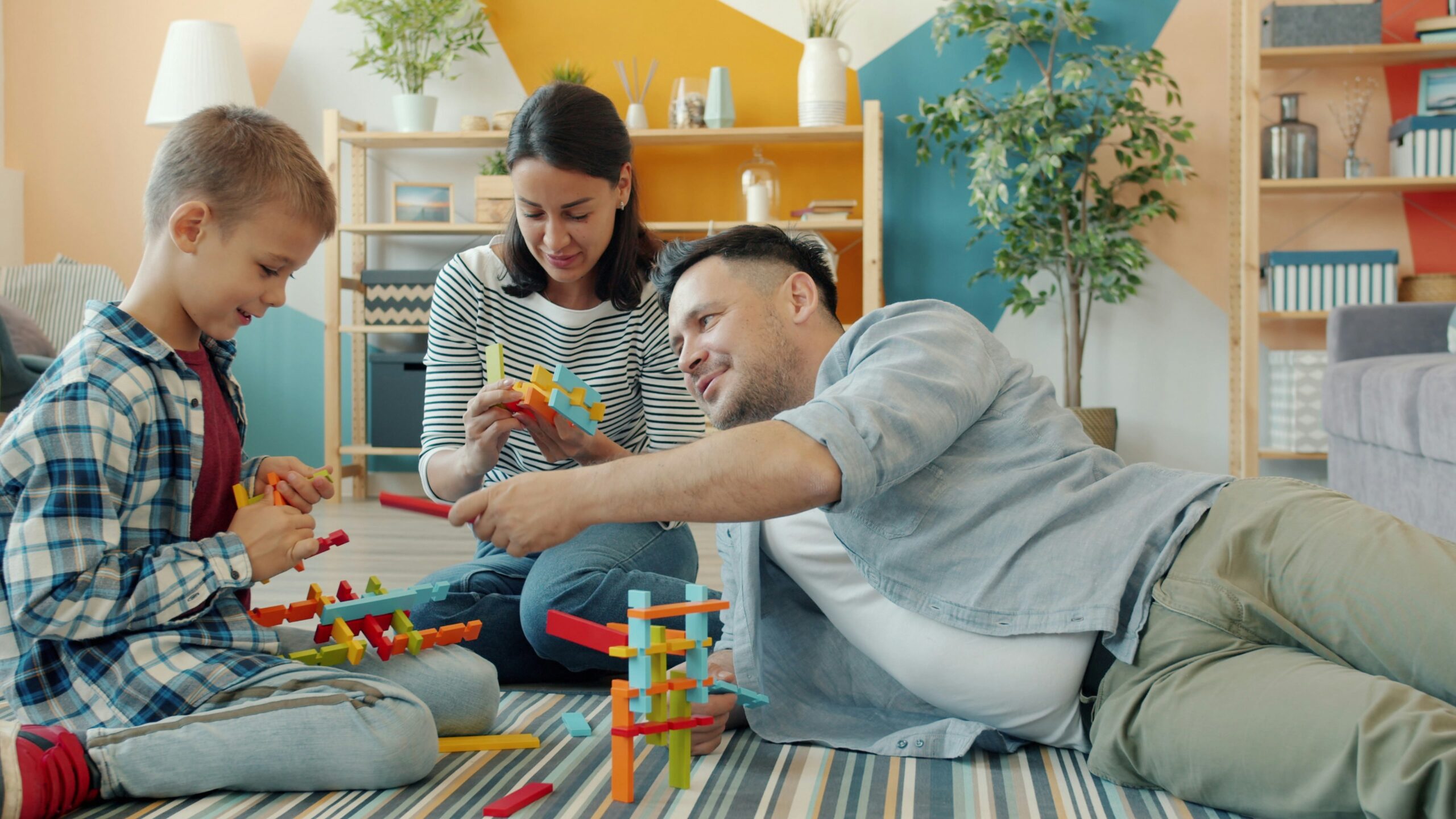
- Make books, drawing materials, puzzles, building toys, and board games easy to reach.
- Choose a family activity for the time when screens usually cause the most conflict.
- Protect bedtime by switching off entertainment screens in advance and charging devices outside bedrooms when possible.
- Use screens intentionally for creative projects, learning, or connecting with relatives—not just to fill every quiet moment.
For more ideas, explore our screen-free indoor activities for young children in our Kids Activities section. Many simple ideas—such as drawing, pretend play, building, and reading together—can be adapted for different ages.
Frequently Asked Questions
Should parents ban screens completely?
Not necessarily. Screens can have educational, creative, and social benefits. The aim is to choose suitable content, set boundaries, supervise use, and make sure digital activities do not replace sleep, movement, relationships, and play.
Are parental control apps enough to keep children safe?
No. They can help manage time and restrict some content, but they cannot identify every risk or replace adult guidance. Keep communication open and review your child’s online experiences regularly.
Is television in a shared room better than a personal tablet?
When practical, shared-room television viewing gives adults more opportunity to see what is playing and discuss it with a child. Still check programmes and recommendations, because content on a television can also be unsuitable.
Where can I find trusted screen-time guidance?
Guidance varies by age and individual needs. The World Health Organization offers recommendations for young children that emphasise less sedentary screen time and more active play: WHO: To grow up healthy, children need to sit less and play more. Ask your child’s healthcare professional if you need advice tailored to their development.
Final Thoughts
Healthy screen habits grow through consistent routines, suitable content, adult involvement, and a balance of online and offline experiences. Start with a few family rules you can maintain, check what your child is watching, use parental controls thoughtfully, and make time for activities everyone can enjoy together. The aim is not perfect screen-time management every day—it is helping children build skills and habits that will serve them as they grow.
Comments
One response to “Screen Time for Kids: A Simple Guide to Safer Digital Habits”
[…] For more ideas on building healthy digital habits, read our guide to screen time for kids. […]