
Table of Contents
- What Should Preschoolers Learn Through Educational Apps?
- The 7 Best Educational Apps
- Which App Is Best for Each Age?
- How Parents Can Make Learning Apps More Effective
- Final Thoughts
What Should Preschoolers Learn Through Educational Apps?
Children between 3 and 6 are at an important stage of development. They are becoming more independent, asking questions, recognizing patterns, developing language skills, and learning how to interact with other people.
Educational apps can reinforce several important areas of early childhood learning.
Early literacy and language
Recognizing letters, understanding their sounds, learning new words, listening to stories, and developing early reading skills are important parts of preschool education.
Interactive alphabet games, phonics exercises, and digital storybooks can help children become familiar with written language.
Early mathematics
Before children start formal mathematics lessons, they need to understand basic concepts such as counting, quantities, shapes, sizes, and patterns.
Simple interactive activities can help children connect numbers with real objects and everyday situations.
Memory and logical thinking
Matching games, puzzles, sequencing challenges, and pattern recognition activities encourage children to observe details, remember information, and find solutions.
Creativity and imagination
Drawing, storytelling, building, animation, and music activities allow children to experiment and express their ideas.
Digital and technological awareness
Older preschoolers can begin exploring how technology works. Simple coding applications introduce concepts such as instructions, sequences, and cause and effect without requiring children to read or write computer code.
The most useful educational apps combine these learning areas with an age-appropriate interface, meaningful activities, and opportunities for children to explore independently with adult support.
The 7 Best Educational Apps
The following applications were selected for their educational focus, age suitability, variety of activities, and usefulness for families. Some are completely free, while others offer additional content through subscriptions or memberships.
Khan Academy Kids – Best Overall Educational App
Khan Academy Kids
Best Overall
Suitable age range: 3–6 (official range 2–8)
Price: Completely free
Official website
If parents are looking for just one educational application to introduce their preschooler to digital learning, Khan Academy Kids is an excellent starting point.
Developed by the nonprofit Khan Academy, this application offers a broad collection of educational activities covering early literacy, mathematics, language, creativity, and social-emotional development.
What makes it particularly useful is that children do not need to follow a rigid school-style curriculum. They can explore different activities while gradually developing essential early learning skills.
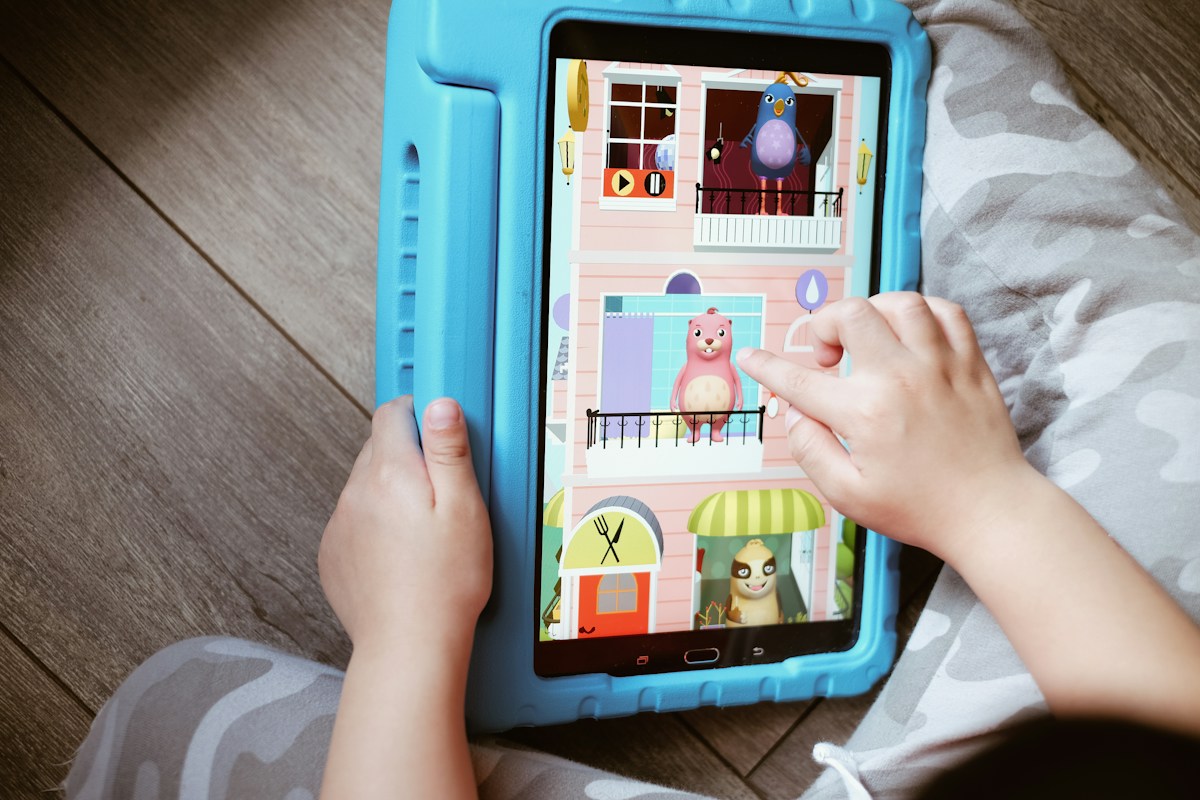
What will your child actually do?
Children enter a colorful learning environment featuring friendly animated characters. They can choose activities, explore interactive books, listen to stories, watch educational videos, and complete games.
For example, a 3-year-old might practice recognizing letters, identifying colors, and counting objects. A 5-year-old might move on to simple addition, letter sounds, vocabulary, and early reading activities.
The application also offers drawing and creative exercises, giving children opportunities to express themselves rather than simply answering questions.
Educational benefits
- Early literacy: Recognizing letters, learning sounds, developing vocabulary, and understanding stories.
- Mathematics: Counting, number recognition, shapes, patterns, addition, and subtraction.
- Language: Listening comprehension and communication skills.
- Creativity: Drawing, storytelling, and imaginative activities.
- Social-emotional development: Understanding emotions, empathy, and cooperation.
What makes it different?
Khan Academy Kids provides a personalized learning path that adapts to each child’s level. Children can repeat activities and progress at their own pace.
Parents also benefit from the extensive content library. According to its official pricing information, the family app includes more than 4,000 activities, videos, and books.
Price and limitations
The app is completely free for families, with no advertisements, subscriptions, or in-app purchases. It is available for iOS, Android, Amazon devices, and Chromebooks.
One limitation is that most of its learning experience is designed around English-language content. Parents looking for structured learning in another language should consider this before downloading it.
Our recommendation: An excellent all-around choice for children aged 3–6, particularly families who want reading, mathematics, and creative learning in one application.
Official information: Khan Academy Kids pricing and features.
Duolingo ABC – Best for Learning the Alphabet and Reading
Duolingo ABC
Best for Early Reading
Best suited to: 3–6-year-old early readers
Price: Free
Official website
Learning to read does not happen overnight. Children first need to recognize letters, understand the sounds they represent, and gradually learn how those sounds combine to form words.
Duolingo ABC is designed to help children develop these foundational literacy skills through short, interactive lessons.
Unlike general educational apps, it focuses specifically on reading and writing. This makes it particularly useful for preschoolers who are beginning to explore the alphabet and prepare for formal reading instruction.

What will your child actually do?
Children follow short lessons featuring colorful illustrations, animated characters, sounds, and interactive exercises.
They might start by identifying the letter A, listening to its sound, and recognizing words that begin with that letter.
As they progress, they move on to combining sounds, recognizing familiar words, practicing handwriting, and reading simple sentences.
The application also includes interactive stories. Children can follow along with the narration and answer questions about what is happening in the story.
Educational benefits
- Letter recognition and alphabet familiarity.
- Phonics and understanding letter sounds.
- Identifying rhyming words and individual sounds.
- Early spelling and handwriting practice.
- Vocabulary development.
- Listening and reading comprehension.
What makes it different?
One particularly useful feature is its short lesson format. Lessons take five minutes or less, which makes them suitable for younger children with shorter attention spans.
The app also offers nine starting levels, allowing children to begin at a suitable level rather than having to start from the same point.
Its reading curriculum is based on established literacy teaching principles and includes phonics, phonemic awareness, vocabulary, fluency, and comprehension.
Price and limitations
Duolingo ABC is free to download and use. It does not require a paid subscription.
The main limitation is its focus on English literacy. It is a good option for children learning English, including children growing up in multilingual households, but it should not replace learning to read in their primary language.
Our recommendation: Particularly useful for children aged 4–6 who are beginning to recognize letters, learn phonics, and prepare for reading at school.
Official information: Duolingo ABC – How We Teach.
PBS KIDS Games – Best for Learning Through Play
PBS KIDS Games
Best for Interactive Games
Suitable age range: Approximately 3–6
Price: Free
Official games library
Some children learn best when they are having fun and exploring things that interest them. PBS KIDS Games takes this approach by offering a large collection of educational games featuring familiar characters from children’s television programs.
Instead of concentrating on one subject, the platform introduces children to different learning experiences, including mathematics, science, reading, creativity, and problem-solving.
It is particularly useful for preschoolers who enjoy exploring different games and discovering new subjects.

What will your child actually do?
Children can choose from a variety of games featuring familiar characters and different environments.
For example, they might help a character solve a counting challenge, identify shapes, complete a puzzle, explore an animal habitat, or discover something about nature.
Some activities involve matching objects, while others require children to follow instructions, recognize patterns, or make decisions.
This variety allows children to move between different types of learning activities instead of repeatedly completing the same exercises.
Educational benefits
- Mathematics: Counting, number recognition, patterns, and basic calculations.
- Science: Animals, nature, weather, and environmental awareness.
- Language: Vocabulary, listening, and early literacy.
- Problem-solving: Puzzles, matching games, and interactive challenges.
- Creativity: Building, designing, and experimenting.
What makes it different?
One of the strongest features of PBS KIDS Games is its variety. Children can discover different subjects through games rather than following a single structured learning program.
It also uses familiar characters, which can make younger children more comfortable exploring new activities.
Price and limitations
PBS KIDS Games is free. PBS KIDS also provides a separate collection of videos and other educational resources.
The main limitation is that it is not a structured preschool curriculum. There is no single progressive learning path covering all the skills a child needs to develop.
Parents should therefore choose games according to their child’s interests and learning needs.
Our recommendation: A good option for children aged 3–6 who enjoy interactive games and like exploring different subjects.
Official information: PBS KIDS Games.
Lingokids – Best for English and General Learning
Lingokids
Best for English Learning
Suitable age range: 3–6 (official range 2–8)
Price: Free version and paid Lingokids Plus
Official website
Lingokids is an educational application that combines games, songs, videos, stories, and interactive activities to help young children develop academic and everyday skills.
Its approach is based on what the company calls Playlearning, combining play with educational content.
For preschoolers, one of its biggest advantages is that children can explore several learning areas within the same application.
What will your child actually do?
Children can participate in activities involving English vocabulary, alphabet recognition, numbers, shapes, colors, and everyday situations.
For example, they might learn the names of animals through an interactive game, practice counting objects, listen to a song about the alphabet, or complete a simple vocabulary challenge.
Some activities also introduce practical concepts such as healthy habits, emotions, cooperation, and everyday routines.
Songs and animated videos help reinforce the words and concepts introduced through games.
Educational benefits
- English vocabulary and pronunciation.
- Alphabet recognition and early literacy.
- Numbers, counting, and basic mathematics.
- Colors, shapes, and patterns.
- Memory and problem-solving.
- Creativity and everyday life skills.
What makes it different?
Lingokids offers a broader combination of activities than applications that focus exclusively on reading or mathematics.
Its use of songs, characters, and short games can be particularly appealing to children who enjoy learning through different formats.
It also provides parents with resources to support their children’s learning outside the application.
Price and limitations
Lingokids offers a free version with limited access to content and a paid subscription called Lingokids Plus.
The company’s published pricing information lists Plus at $14.99 per month (approximately €13.40), although the actual price can vary by country, platform, and promotional offer.
The paid version provides access to a much larger collection of interactive activities.
One limitation is that Lingokids places significant emphasis on English learning. Families looking for a comprehensive preschool curriculum in another language should consider this.
Our recommendation: Particularly suitable for children aged 3–6 whose parents want to introduce English vocabulary while also developing early academic skills.
Official information: Lingokids.
Teach Your Monster to Read – Best for Phonics and Reading Practice
Teach Your Monster to Read
Best for Phonics
Suitable for: Preschool and early primary reading learners
Price: Free on website; app pricing varies
Official website
What if learning to read felt like going on an adventure?
Teach Your Monster to Read turns early reading practice into a game in which children help a friendly monster complete a journey by learning letters, sounds, and words.
It is particularly interesting for children who enjoy games and respond well to rewards and interactive challenges.
Rather than presenting children with traditional reading exercises, the application introduces literacy skills through a series of progressively more challenging activities.
What will your child actually do?
Children create a monster character and guide it through different adventures.
During the journey, they complete activities involving letter recognition, sound matching, identifying words, and reading simple sentences.
For example, a child might hear a letter sound and choose the corresponding letter. Later, they may combine individual sounds to identify a word or complete a reading challenge.
The game gradually introduces more complex reading concepts as children develop their skills.
Educational benefits
- Recognizing letters and their sounds.
- Developing phonemic awareness.
- Understanding how sounds combine to form words.
- Building early spelling skills.
- Recognizing common words.
- Developing confidence in beginning readers.
What makes it different?
The adventure format gives children a reason to continue practicing. Instead of feeling like they are completing a worksheet, they feel they are helping their character achieve something.
This can be particularly useful for children who need extra motivation to practice phonics.
Price and limitations
The website version remains free to play on desktop and laptop computers. The mobile app has historically used a one-time purchase model, but the developer announced a transition to a subscription-based version, with a wider release planned for early 2027.
New app pricing is therefore subject to change, and existing purchasers have different access arrangements.
Parents should distinguish between the free website version and the mobile application when choosing how to use it.
Another consideration is that this app focuses mainly on English reading. It is not a general-purpose preschool learning application.
Our recommendation: A particularly interesting choice for children aged 4–6 who are beginning to understand letter sounds and want additional reading practice through games.
Official information: Teach Your Monster to Read.
Starfall – Best for Early Reading and Mathematics
Starfall
Best for School Preparation
Suitable age range: 3–6 (content extends beyond preschool)
Price: Free introductory content; paid membership
Official website
Starfall is an established early-learning platform that helps children develop foundational reading and mathematics skills.
It is particularly useful for families looking for a more structured learning experience before their children start primary school.
The platform combines interactive lessons, songs, games, books, and educational activities.
What will your child actually do?
Children can explore the alphabet, listen to letter sounds, recognize words, and participate in simple reading exercises.
For example, they might select a letter, listen to its pronunciation, identify objects beginning with that letter, and complete a short interactive activity.
The mathematics activities introduce concepts such as counting, number recognition, shapes, and basic calculations.
As children progress, they can explore more advanced reading and mathematical activities.
Educational benefits
- Alphabet recognition and phonics.
- Vocabulary and early reading.
- Counting and number recognition.
- Basic addition and subtraction.
- Shapes and patterns.
- Listening and comprehension.
What makes it different?
Starfall provides a combination of reading and mathematics content rather than focusing on just one subject.
Its activities are particularly useful for reinforcing concepts that children may already be encountering in preschool.
It also offers a wider range of content for families who want to continue using the platform as their children progress into early primary school.
Price and limitations
Starfall offers some free activities and a paid membership for access to its complete educational library.
Its official website lists a Home Membership at $35 per year (approximately €31.30). This includes access to more than 700 activities, games, and books, with website and mobile access.
Alternatively, the app stores list subscriptions at $5.99 per month (approximately €5.36 per month).
The annual website membership and automatically renewing app-store subscriptions have different payment arrangements.
The main limitation is that some of the more comprehensive learning content requires a paid membership.
Our recommendation: A good option for children aged 4–6 who are preparing for primary school and need additional practice with letters, reading, and early mathematics.
Official information: Starfall app and membership pricing.
ScratchJr – Best for Introducing Coding and Logical Thinking
ScratchJr
Best for Early Coding
Official target age: 5–7
Price: Completely free
Official website
Coding might seem like an advanced subject for preschoolers, but children do not need to understand complicated programming languages to learn the basic concepts behind computer programming.
ScratchJr introduces these ideas through a visual environment in which children create their own interactive stories and simple games.
It is particularly suitable for older preschoolers, especially children aged 5–6 who enjoy experimenting with technology and solving problems.
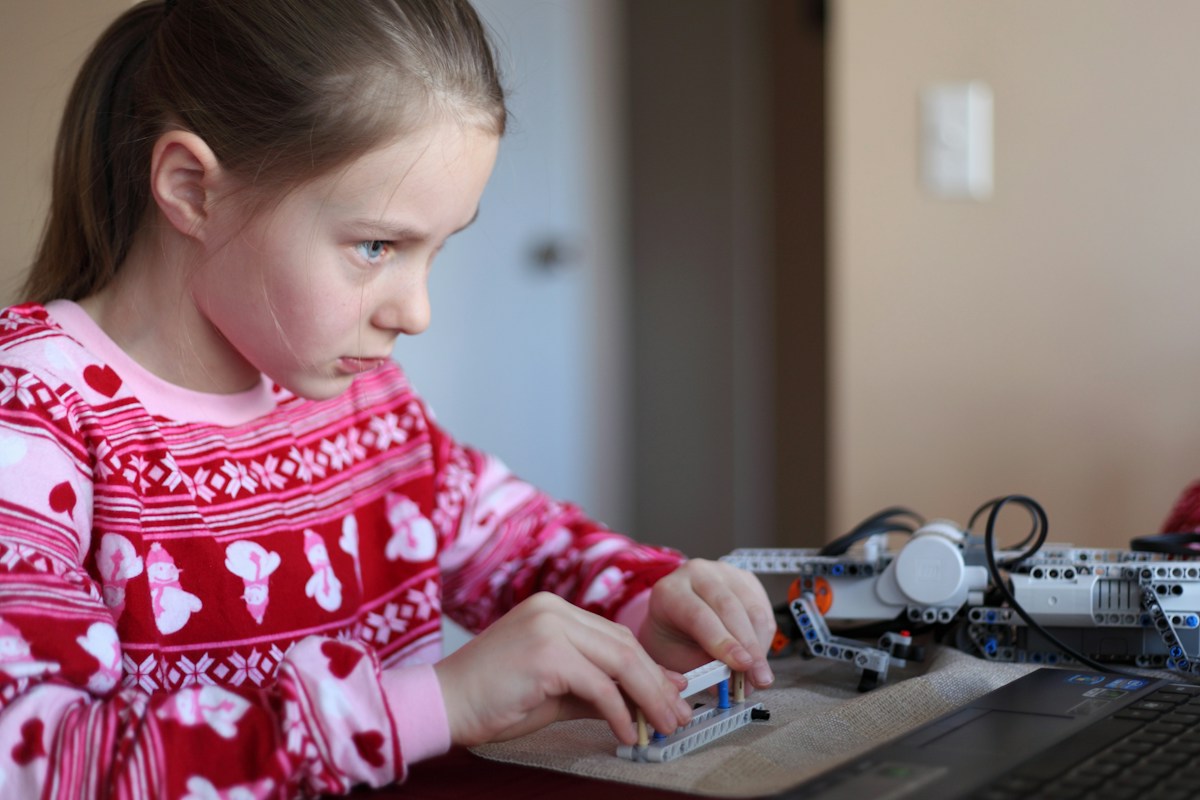
What will your child actually do?
Children select characters and backgrounds, then connect colorful programming blocks to control what happens on the screen.
For example, they can make a character walk across the screen, jump, turn around, or speak.
They can combine several blocks to create a sequence of actions and build a simple animated story.
Children can also draw their own characters, record their voices, and add sounds to their projects.
Educational benefits
- Logical and sequential thinking.
- Understanding instructions and sequences.
- Problem-solving and experimentation.
- Creativity and storytelling.
- Understanding cause and effect.
- Early computational thinking.
What makes it different?
Most educational applications teach children by asking them to complete activities created by someone else.
ScratchJr takes a different approach: children create something themselves.
They experiment with instructions, observe what happens, identify mistakes, and change their code until the character behaves as intended.
This makes it a particularly interesting introduction to technology and creative problem-solving.
Price and limitations
ScratchJr is completely free and available for compatible iPads, Android tablets, and Chromebooks.
It is not designed as a traditional reading or mathematics application. Its primary purpose is to introduce programming and creative thinking.
Younger children may also need some initial assistance understanding how to connect the blocks and organize their projects.
Our recommendation: Excellent for children aged 5–6 who enjoy creating things, experimenting, and exploring how technology works. It is one of the most interesting ways to introduce coding before primary school.
Official information: ScratchJr – About and age suitability.
Which App Is Best for Each Age?
Although all seven applications can be useful during the preschool years, children aged 3 and 6 have very different learning needs.
A 3-year-old is generally more interested in recognizing objects, colors, sounds, and simple patterns. A 6-year-old may already be ready for phonics, early reading, mathematics, and basic programming concepts.
Here is how we would choose between the seven applications.
Ages 3–4: Exploring and Discovering
funexpectedapps.com
At this stage, focus on:
- Recognizing colors, shapes, and objects.
- Counting and identifying numbers.
- Listening to stories and developing vocabulary.
- Matching games and simple puzzles.
Recommended apps: Khan Academy Kids, PBS KIDS Games, Lingokids.
Ages 4–5: Building Foundational Skills
Children can gradually explore:
- Alphabet recognition and letter sounds.
- Basic phonics and vocabulary.
- Counting, patterns, and simple mathematics.
- Memory and problem-solving games.
Recommended apps: Khan Academy Kids, Duolingo ABC, Teach Your Monster to Read, Starfall.
Ages 5–6: Getting Ready for School
midpac.edu
At this stage, children can begin developing:
- Early reading and writing skills.
- Addition and subtraction.
- Logical thinking and sequencing.
- Creative projects and introductory coding.
Recommended apps: Duolingo ABC, Starfall, ScratchJr, Khan Academy Kids.
How Parents Can Make Learning Apps More Effective
Downloading a good educational application is only the first step. How children use it also matters.
Preschoolers benefit particularly from having an adult nearby who can help them understand what they are doing and connect digital activities with real-world experiences.
Here are some practical ways to make educational apps more valuable.
Connect digital learning with everyday activities
If your child practices counting on an app, try counting toys, fruits, or building blocks together afterward.
If they learn about animals, visit a zoo, read an animal book, or talk about animals they see outdoors.
These simple activities help children understand that the concepts they discover on a screen also exist in the real world.
Choose activities rather than focusing on rewards
Some applications use stars, points, badges, and virtual rewards to encourage children to continue playing.
While these features can make learning enjoyable, the main objective should be developing skills rather than collecting rewards.
Encourage children to explain what they learned or show you how they completed an activity.
Use educational apps together
Younger children often benefit from shared screen experiences.
Ask questions such as:
- What do you think will happen next?
- Can you find another object with the same shape?
- How many animals can you count?
- Why do you think that answer is correct?
This turns screen time into an opportunity for conversation and learning.
Set reasonable screen-time boundaries
Educational content is still screen time. It should not replace outdoor play, physical activities, reading printed books, or social interaction.
For children aged 3–5, the World Health Organization recommends no more than one hour of sedentary screen time per day, with less being better. For children aged 5–6, families should also establish age-appropriate boundaries and protect opportunities for sleep, movement, and play.
Parents should also avoid leaving young children alone with unrestricted access to devices.
Final Thoughts
The best educational apps for preschoolers are not necessarily the ones with the most games, animations, or features. They are the ones that encourage children to explore, experiment, develop new skills, and become curious about the world around them.
For families looking for a comprehensive learning experience, Khan Academy Kids is our top overall recommendation. Duolingo ABC and Teach Your Monster to Read are particularly useful for early literacy, while Starfall offers a combination of reading and mathematics activities.
PBS KIDS Games and Lingokids provide a broader selection of interactive learning experiences, and ScratchJr offers something different by introducing older preschoolers to programming and creative problem-solving.
Parents do not need to install all seven applications. Choosing two or three that match a child’s interests and developmental stage is often a better approach.
Most importantly, educational apps should complement childhood experiences, not replace them. The greatest learning opportunities still come from playing, asking questions, exploring, reading, creating, and spending time with others.